THE BROAD VIEW

Can you spot the difference between l and I?

Domain name system solutions can help combat cybercriminals who use ‘lookalikes’
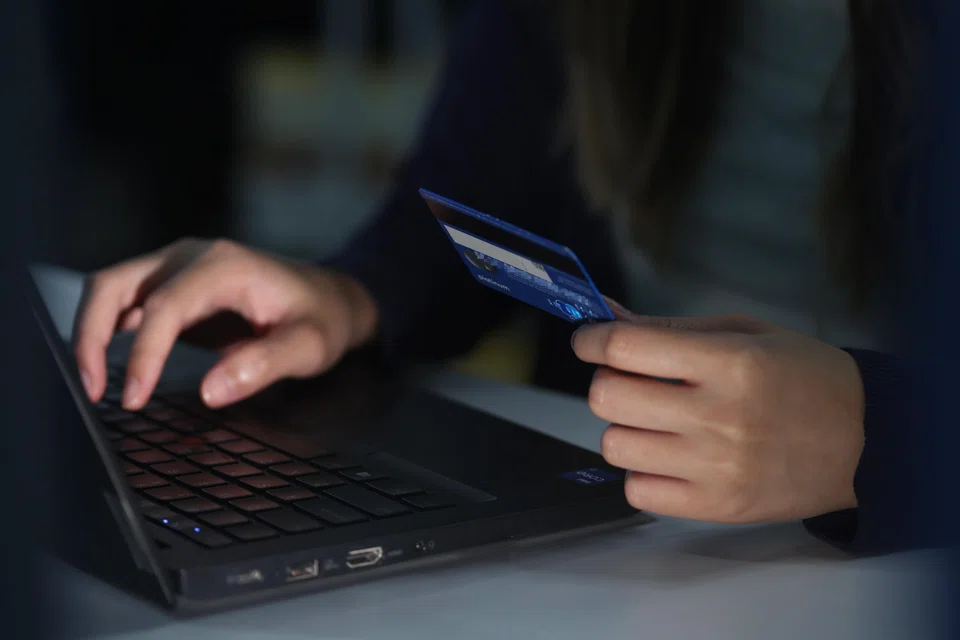
    • Lookalike domains and e-mail addresses aim to exploit everyday computing activities that often go unnoticed, to deceive users.
    • Lookalike domains and e-mail addresses aim to exploit everyday computing activities that often go unnoticed, to deceive users. PHOTO: BT FILE
    Published Sat, Sep 16, 2023 · 05:00 AM

    PLANNING to shop online? Which of these links would you click – https://www.lazada.com or https://www.Iazada.com?

    Depending on the font used, it can be almost impossible to distinguish between the two. This is how some cyberthreat actors trick users into visiting fake, malicious websites – by using lookalike domains.

    Such lookalikes may disguise themselves within various elements of online communication, such as e-mail addresses and website addresses. The aim is to exploit everyday computing activities that often go unnoticed, to deceive users.

    According to a recent report by the Cyber Security Agency of Singapore, around 8,500 phishing attempts were handled by the governing authority, SingCERT, in 2022 – double that of the previous year.

    This rise in phishing activity poses a significant threat to our online presence.

    While organisations have been ramping up cybersecurity safeguards, these phishing scams are still proliferating. They are becoming easier to execute – even amateur cyber actors can create such traps. In this evolving landscape, a previously overlooked factor becomes critical: domain name system (DNS) security.

    How lookalikes work

    It’s easy to see why we fall for lookalikes. Consider the example of https://www.Iazada.com. This appears identical to the official Lazada website’s address, but is not – the lowercase letter L has been replaced with the uppercase letter I.

    Lookalikes rely on such variations, which are so small that most users will never notice a difference.

    Lookalikes may also be used for e-mail addresses. To create lookalikes for corporate e-mail phishing, cybercriminals may build upon this psychological blind spot by combining popular brands or company names with other relevant keywords such as -support, -helpdesk, -security, and -mail as part of an e-mail address extension.

    For instance, this e-mail address — lazada-helpdesk.sg — may seem fairly nondescript. However, it is not a true Lazada address.

    Cybercriminals may spread phishing traps within a company via lookalike internal company e-mail accounts and webpages. We may unintentionally become the means for scammers to inject malicious code into databases to hunt for confidential data or even make transactions on behalf of cardholders.

    Furthermore, these traps can surpass multi-factor authentication by posing as a legitimate login page, or intercepting communication between users and legitimate websites by positioning themselves between these two pages.

    Fighting back

    Lookalike domains are closely tied to the DNS. This system translates website names into numerical values, also known as IP addresses. When you type a website address into a web browser, the DNS helps your computer find the correct IP address and the correct server that is hosting the website.

    As lookalike domains rely on DNS for their functionality, DNS solutions can provide a first line of defence. Such solutions can help organisations to customise and configure a list of lookalikes to scan for and protect against.

    Domain monitoring tools help track the creation and redirection of suspicious weblinks. By using them, businesses can strengthen security and protect valuable login pages – as well as protecting their brand reputation, as consumers’ everyday lives increasingly involve digital and mobile touchpoints.

    Let’s not forget the difference between I and l, to stay a step ahead of the psychological hooks that litter today’s digital landscape.

    The writer is senior regional director of South-east Asia at Infoblox