

Set The Business Times as your preferred news source on Google
Doing this will tell Google to show more BT stories in your search results
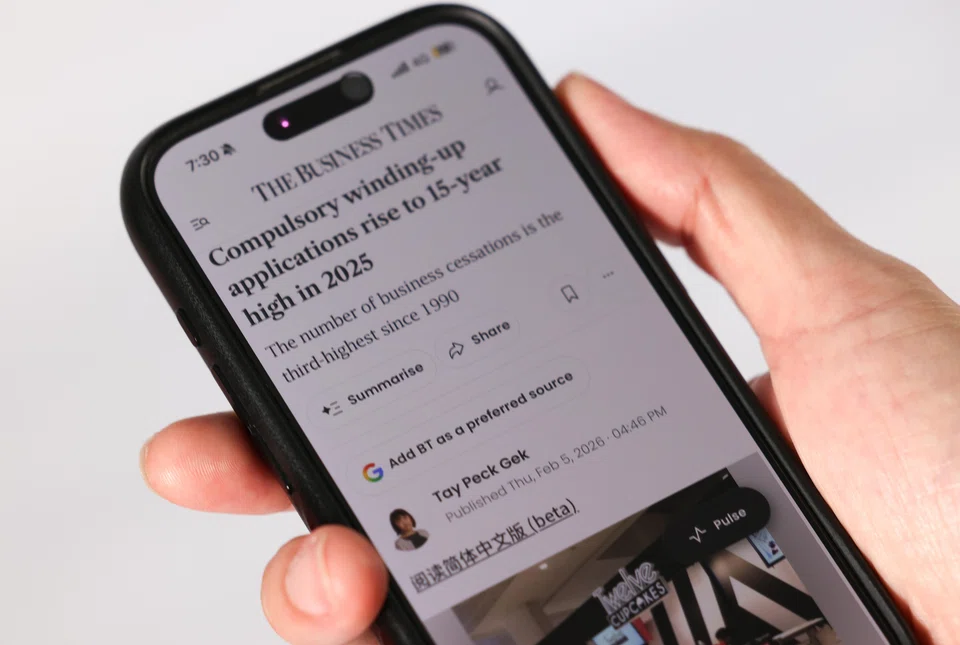
MOST of us have have a go-to news source that we rely on to keep us informed of what’s happening in the world. Knowing this, Google has made it easier for you to customise your experience to see more from your favourite sites.
And if you’re a regular reader of The Business Times, you can now look forward to seeing more BT stories showing up in your search results.
Google has rolled out a new feature that allows users to indicate their preferred news source. There are a few ways you can go about doing this for BT.
Directly
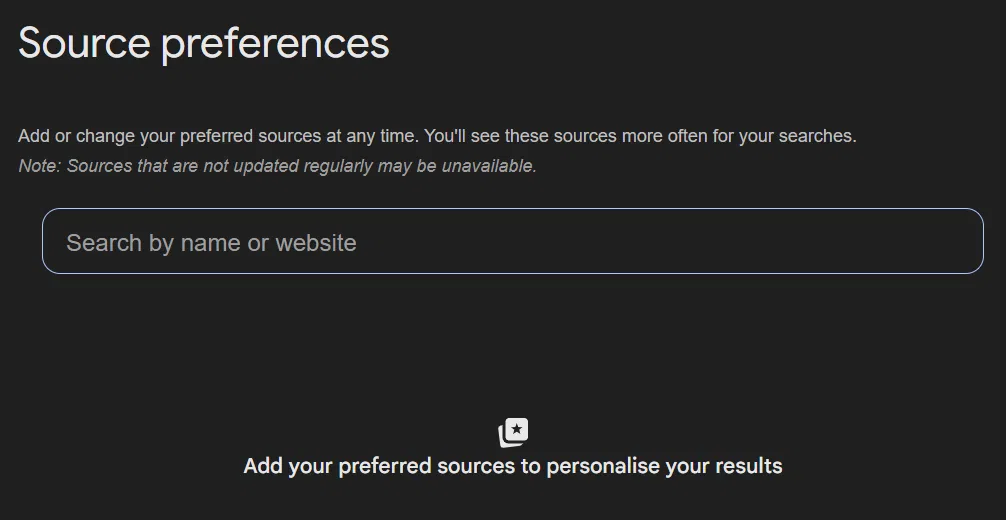
Step 1: Select your source here.
Step 2: Follow the steps indicated.
From Google search
Step 1: Search for a news topic in Google, scroll down to “Top stories”, and tap/click on the icon with the star.
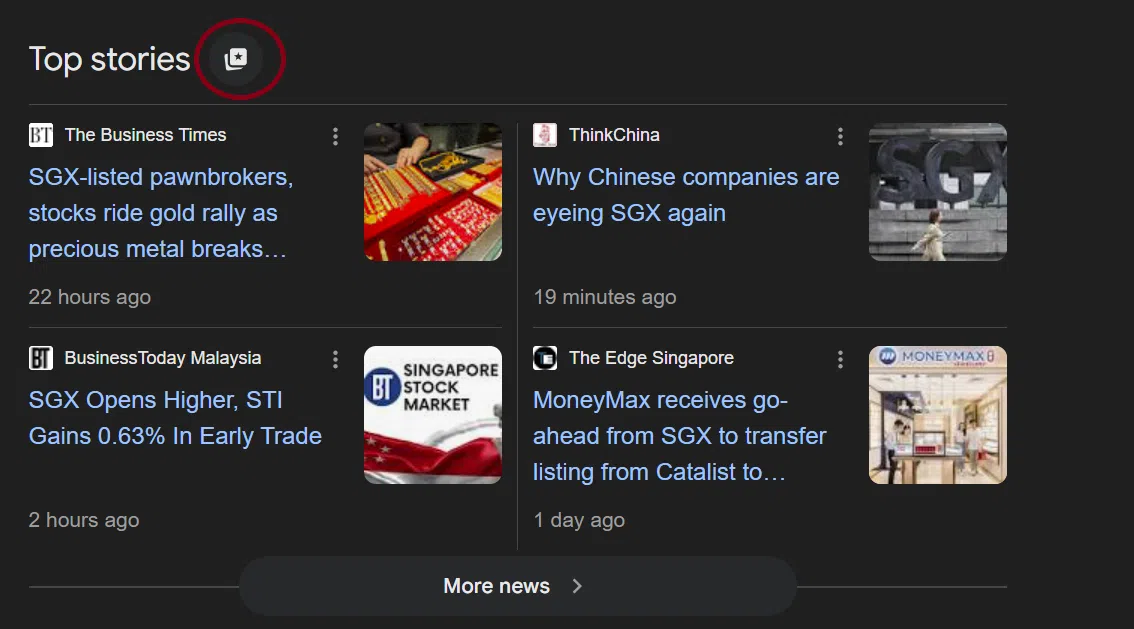
Step 2: Search for The Business Times and add it as a preferred source.
From The Business Times website
Step 1: Go into any article.
Step 2: Tap/click on the “Add BT as a preferred source” button.

Step 3: Follow the steps indicated.
Once you’ve made your selection, stories from those websites will appear more frequently in Top Stories or in a dedicated “From your sources” section on the search results page. Google isn’t restricting you from reading other news sources and you will still be able to see content from other sites. You can also change your selections at any time.
And that’s it, you’re all set. The next time you search for articles, you’ll see more BT stories showing up in your Google search results.
Decoding Asia newsletter: your guide to navigating Asia in a new global order. Sign up here to get Decoding Asia newsletter. Delivered to your inbox. Free.
Copyright SPH Media. All rights reserved.
TRENDING NOW

‘Wasting money, spending tokens’: Companies still in search of AI use cases with worthwhile ROI, says Broadcom’s Hock Tan

Malaysian king buys stake in Singapore-listed mining firm expanding into rare earths

Once staunchly pro-China, Malaysian Chinese businesses are now distancing themselves from Beijing

Singapore’s wealth management success should extend to everyday families

